
Real AI API Costs in 2026: Caching and Model Routing
Published on:
Reading time: 7 min
Topic: Technology
Author: Leandro Valencia
What a real task costs with Claude, GPT, Gemini or DeepSeek: price per million tokens, the caching formula and model routing to cut your bill.
Table of Contents
- API prices per million tokens (November 2026)
- How to take advantage of the cache
- How to choose a model without depending on benchmarks
- Action plan
Comparing models by their input price per million tokens is misleading. In a real application, and especially in an agent that reads your code or your documents again and again, what defines the bill is something else: how much of the prompt is read from cache and which model resolves each task.
This guide is not a ranking of who wins on benchmarks. It is a method to calculate how much each task really costs you and to lower that cost without losing quality. If you are looking for which Claude model to choose for programming, we explain it in Opus 5.5 vs Sonnet 5.5. If you are interested in subscriptions for personal use, see the real AI prices in 2026.
API prices per million tokens (November 2026)
| Model | Input | Cache read | Output | Note |
|---|---|---|---|---|
| Claude Opus 5.5 | 4.00 USD | 0.20 USD | 20.00 USD | 1M context |
| Claude Sonnet 5.5 | 2.00 USD | 0.20 USD | 10.00 USD | 1M context |
| Claude Haiku 5.5 | 0.10 USD | — | 0.50 USD | Up to 100K tokens per prompt; more expensive above that |
| GPT-5.5 (OpenAI) | 5.00 USD | 0.50 USD | 30.00 USD | Surcharge above ~272K input tokens |
| Gemini 3.1 Pro (Google) | 2.00 USD | 0.20 USD | 12.00 USD | More expensive above 200K; cache charges storage by the hour |
| DeepSeek V4.1 Flash | 0.30 USD | 0.006 USD | 1.20 USD | Peak-hour rate; half price off-peak |
Sources: pricing pages of Anthropic, OpenAI, Google and DeepSeek, and comparison sites that replicate them. Prices move often; take them as a snapshot of the moment and verify before budgeting.
Two quick readings of the table:
- A cache read costs between 10 and 50 times less than normal input. That is the number that weighs most in an agent.
- Output is expensive in all of them. Asking for short, structured answers also lowers the bill.
The real cost-per-task formula
An agent task (for example, "fix this bug") is many calls to the model. Each call resends almost the same context: instructions, files, history. The formula to add them up is:
Cost per task = (fresh tokens × input price + cache tokens × cache price + output tokens × output price) ÷ 1,000,000
Where:
- Fresh tokens: input that was not in the cache (the new part of each call).
- Cache tokens: input read from the cache. In well-built agent loops, it is usually the vast majority.
- Output tokens: what the model generates.
Example: a task with 2 million input tokens
Assumptions: 2,000,000 input tokens across all calls, 90% read from cache (1.8M) and 200K fresh, plus 20,000 output tokens. It does not include the cost of writing to the cache or long-context surcharges.
| Model | Fresh | Cache | Output | Total per task |
|---|---|---|---|---|
| Claude Opus 5.5 | 0.80 | 0.36 | 0.40 | ≈1.56 USD |
| Claude Sonnet 5.5 | 0.40 | 0.36 | 0.20 | ≈0.96 USD |
| Gemini 3.1 Pro | 0.40 | 0.36 | 0.24 | ≈1.00 USD |
| GPT-5.5 | 1.00 | 0.90 | 0.60 | ≈2.50 USD |
| DeepSeek V4.1 Flash (peak) | 0.06 | 0.01 | 0.02 | ≈0.10 USD |
Without the cache, the same task on Opus 5.5 would cost about 8.40 USD (2M × 4 USD + output). The cache alone cuts the cost by more than five times. So, before switching models to save money, check whether your cache is working.
How to take advantage of the cache
The cache works by prefix: the provider stores the start of the prompt and reuses it as long as it is identical byte for byte. Any change at the start invalidates everything that comes after it.
- Fixed first. System instructions, tool descriptions and reference documents go at the beginning, always in the same order.
- Variable last. The user's question, the date and the request identifiers go after the cached part.
- Watch out for silent invalidators. A timestamp in the system prompt, a JSON with keys in a different order, or a tool list that changes between calls breaks the cache without raising any error.
- Measure it. The APIs return how many tokens were read from the cache. If that number is zero on repeated calls, something is changing the prefix.
Model routing: don't send everything to the most expensive model
Not all tasks need a frontier model. Classifying a ticket, summarizing a log or extracting fields from an email is done well by a cheap model. Refactoring an authentication module or debugging a concurrency problem is not.
A router decides which model each request goes to:
Request
   │
   ▼
Classifier (rules or a cheap model)
   │
   ├── Complex task (refactor, debugging, reasoning) ──► Frontier model
   │                                                     (Opus 5.5, GPT-5.5, Gemini Pro)
   │
   └── Routine task (classify, summarize, extract) ────► Economy model
                                                          (Haiku 5.5, DeepSeek Flash)
It can be implemented with your own classifier or with layers like OpenRouter or LiteLLM, which give you a single API for several providers.
Illustrative example
A team processes 1,000 tasks a month, all on Opus 5.5, at 1.56 USD each: 1,560 USD a month.
After analyzing its calls, the team sees that 65% are routine. It sends them to Haiku 5.5 (about 0.21 USD per task even without the cache) and keeps the complex 35% on Opus 5.5:
- 350 tasks × 1.56 USD = 546 USD
- 650 tasks × 0.21 USD ≈ 137 USD
- Total ≈ 683 USD a month, 56% less.
The exact number depends on your task mix; the principle holds. The condition is to measure that the quality of the routine tasks does not drop.
Before building a cascade, try the simple option
A router adds complexity and, on top of that, each model has its own cache, so it splits the benefit of caching. Sometimes it is better to use a single frontier model with a lower effort or reasoning level for the easy tasks. Compare the options with your own tests before building the router.
It also helps not to depend on a single provider for availability and price reasons; we explain it in why diversify AI providers.
How to choose a model without depending on benchmarks
Benchmark scores change with every version, they are usually published by the providers themselves, and they do not always reflect your tasks. A more reliable method:
- Build a set of 20 to 50 real tasks from your product, each with its expected answer.
- Run them on two or three models and score the quality (by hand or with a judge model and a rubric).
- Calculate the cost per completed task, not per call: a cheap model that needs three retries is not cheap.
- Decide by task type, not one model for everything.
Action plan
- Audit 7 days of calls. Record the task type, the fresh, cache and output tokens, and the model used.
- Calculate your cost per task with the formula above and find the most expensive tasks.
- Fix the cache first. It is the biggest saving and does not change quality.
- Route the routine work to a cheap model and measure that quality holds.
- Review your margin. If you charge a subscription, check that the projected API usage per customer fits the price, using the profit margin calculator.
Step-by-step guide
Log 7 days of API calls
Task type, input tokens, cache, output and model of each call.
Calculate the cost per task
Apply the formula with fresh input, cache reads and output.
Order the prompt for caching
Fixed instructions and context at the start; variable content at the end.
Classify and route
Simple tasks to a cheap model; complex ones to the frontier model.
Measure quality and margin
Compare results with your own tests and review margin per customer.
Frequently asked questions
What is prompt caching?
It is a feature of model providers that stores the initial part of a repeated prompt (instructions, documents, code) so later calls read it from cache at a fraction of the normal price. In agent tasks, where the same context is resent dozens of times, it is what cuts the bill the most.
What is model routing?
It is a layer that decides which model each request goes to based on its difficulty: simple tasks (classifying, summarizing, extracting data) go to a cheap, fast model, and complex ones (refactoring, debugging, reasoning) to a frontier model. It is implemented with your own classifier or with services like OpenRouter or LiteLLM.
Why is there no benchmark ranking in this guide?
Because scores change with every version, they are usually published by the provider itself, and they do not always reflect your case. To decide which model to use in production, it is more useful to run your own tasks with two or three models and compare quality and cost per task.
Are these prices final?
No. They are the standard rates published as of November 2026 and they change often: there are introductory prices, long-context surcharges and batch discounts. Check each provider's official pricing page before budgeting.
Related Posts
Keep exploring similar content that may interest you
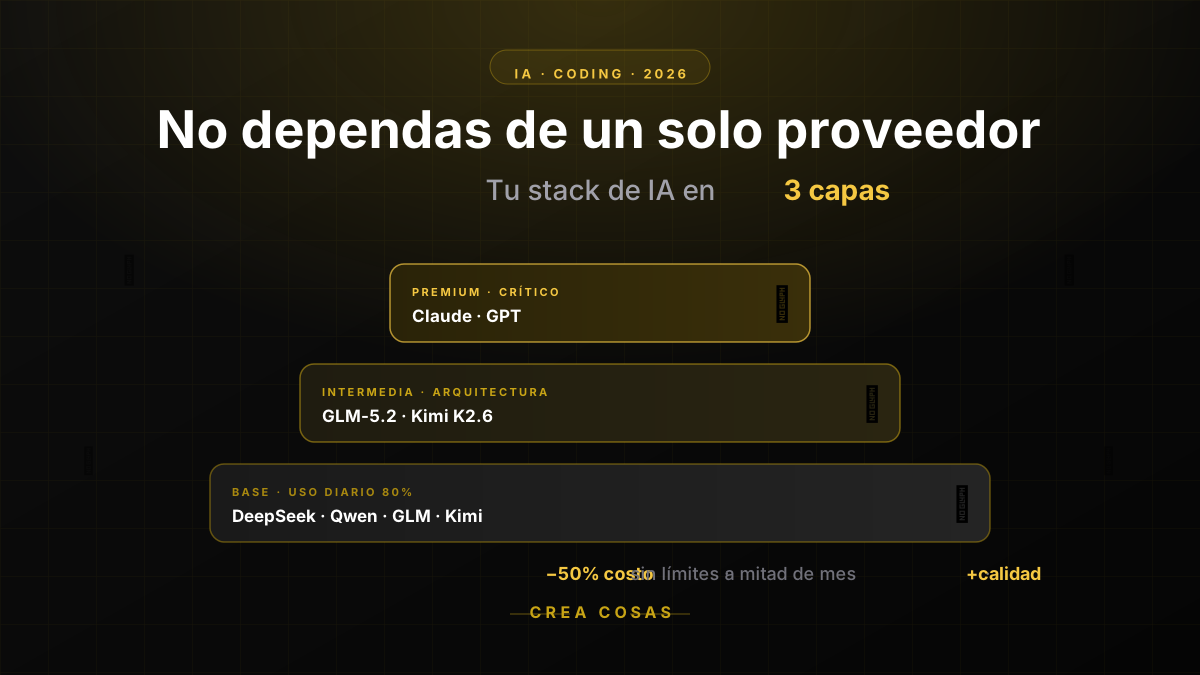
Why in 2026 You Should No Longer Rely on a Single AI Provider for Coding
If you run out of AI quota mid-month, the problem isn't your discipline: it's putting all your eggs in one basket. Learn how to diversify across DeepSeek, Qwen, GLM, Kimi, Claude and GPT to code cheaper and without interruptions.

Opus 5.5 vs Sonnet 5.5: which Claude model to use in 2026
We compare Anthropic's models: Opus 5.5, Sonnet 5.5, Fable 5.1 and Haiku 4.5. Their prices, strengths and which one is worth using depending on the task.
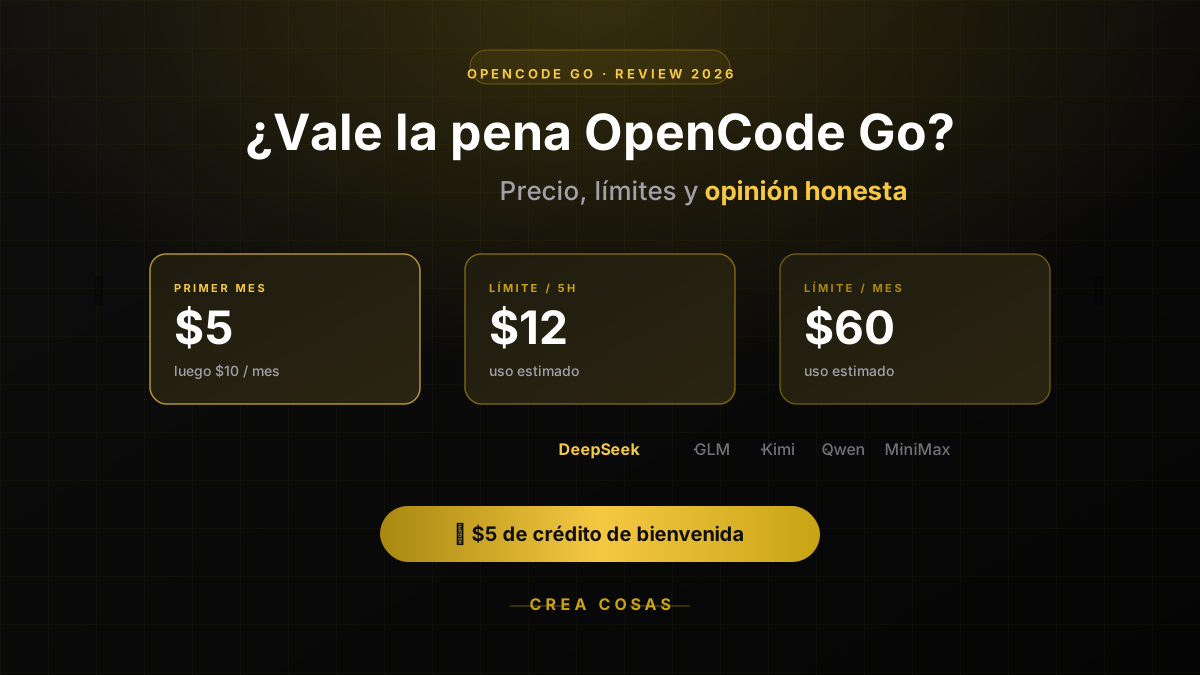
OpenCode Go Pricing & Limits (Oct 2026): $10/mo, Real Caps
OpenCode Go costs $10/month; Go Plus is $40. Each model has its own cap: 20% every 5 hours, 50% a week. Real limits per model and when to skip it.
Partnerships
Tools I use every day, on better terms for this community.