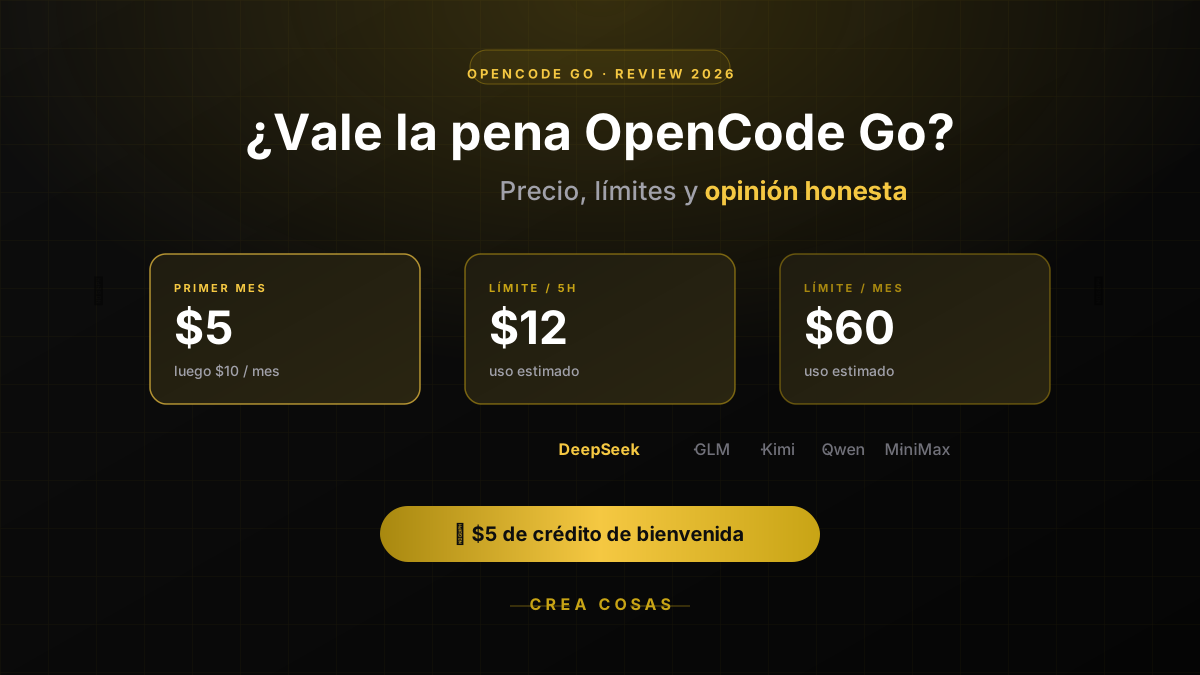
OpenCode Go Pricing & Limits (Oct 2026): $10/mo, Real Caps
Published on:
Updated on:
Reading time: 11 min
Topic: Technology
Author: Leandro Valencia
OpenCode Go costs $10/month; Go Plus is $40. Each model has its own cap: 20% every 5 hours, 50% a week. Real limits per model and when to skip it.
Table of Contents
- What is OpenCode Go?
- OpenCode Go pricing: how the limits work
- Who OpenCode Go is for
- How to get more out of the subscription
- How to start
- My own experience with OpenCode Go
- So, is OpenCode Go worth it?
The short verdict: yes, it's worth it, but not for everyone. OpenCode Go costs $10 a month from the first charge. If that quota falls short, Go Plus costs $40 a month and raises each model's cap, not the quality of the catalog. The terminal agent is still free. Go is optional.
The question that matters is not whether $10 is a small number. It is whether the quota of the model you will actually use is enough. There is no longer a $5 first month, and the referral program has ended: a link to the plan page does not credit the person who shares it or the person who signs up.
Answer in 10 seconds: $10/month (Go) or $40/month (Go Plus). Each model has its own monthly cap in dollars; you can spend 20% of it every 5 hours and 50% per week.
| Model | Monthly cap on Go | Requests / 5 h |
|---|---|---|
| MiMo-V2.6-Flash | $60 | 30,100 |
| DeepSeek V4.1 Flash | $60 | 26,000 |
| GLM-5.3 | $15 | 220 |
| Kimi K3 | $15 | 110 |
Full table per model in the limits section.
What is OpenCode Go?
OpenCode Go is a subscription for AI models aimed at programming. There are two plans, with the same model list:
- Go: $10 a month from day one.
- Go Plus: $40 a month, with a higher monthly cap on each model. That jump is not a single multiple. GLM-5.3-Flash goes from $60 to $180, Kimi K2.6 from $60 to $240, and Kimi K3 from $15 to $60. Read the table. Do not assume "triple."
It works as a provider inside OpenCode. Connecting it takes an API key, a setting in the tool, and a model choice. Processing happens in the cloud.
Only one member of each workspace can subscribe to Go or to Go Plus.
The list changes. The official OpenCode Go documentation, reviewed on September 29, 2026, grouped the paid models like this:
$60 monthly cap on Go: GLM-5.3-Flash, GLM-5.2, Kimi K2.7 Code, Kimi K2.6, LongCat-2.0, MiMo-V2.6-Flash, MiMo-V2.5, MiniMax M3, MiniMax M2.7, Muse Spark 1.3 and 1.2 Contributor (limited regions), Qwen3.7 Plus, DeepSeek V4.1 Flash, and Hy3.
$30 cap: Qwen3.8 Flash, DeepSeek V4 Flash, and Hy4 preview.
$15 cap: GLM-5.3, Kimi K3, MiMo-V2.6-Pro, MiMo-V2.5-Pro, Qwen3.8 Max, DeepSeek V4 Pro, DeepSeek V4 Flash Vision Exp, Grok 4.7, Grok 4.6, GPT 6 Luna, and GPT 5.6 Luna.
Free for a limited time, with no paid cap: Space Bunny Free and LongCat 2.5 Preview Free.
Grok 4.5, GLM-5.1, and Qwen3.7 Max are no longer on that list. GLM-5.3 is, with a $15 cap on the $10 plan.
OpenCode Go pricing: how the limits work
The advertised price is a flat fee:
- $10 a month on Go, including the first month.
- $40 a month on Go Plus.
A flat fee does not mean unlimited use. The cap is per model, in dollars of usage per month. On that model's cap, the documentation applies three windows:
- 5 hours: 20% of that model's monthly cap.
- Week: 50%.
- Month: 100%.
In dollars, only a model with a $60 cap on Go allows $12 every 5 hours, $30 a week, and $60 a month. A $30 model allows $6, $15, and $30. A $15 model allows $3, $7.50, and $15. Saying "the plan is $12 / $30 / $60" describes one group of models, not the whole subscription.
These figures come from the estimated-request table in the same documentation. OpenCode calculates them from an observed usage pattern. Your real session can spend more or less.
| Model | Monthly cap on Go | Requests / 5 h | Requests / week | Requests / month |
|---|---|---|---|---|
| MiMo-V2.6-Flash | $60 | 30,100 | 75,200 | 150,400 |
| DeepSeek V4.1 Flash | $60 | 26,000 | 65,000 | 130,000 |
| DeepSeek V4 Flash | $30 | 13,000 | 32,500 | 65,000 |
| GLM-5.3-Flash | $60 | 6,320 | 15,790 | 31,580 |
| Qwen3.7 Plus | $60 | 4,300 | 10,800 | 21,600 |
| GLM-5.2 | $60 | 880 | 2,150 | 4,300 |
| GLM-5.3 | $15 | 220 | 540 | 1,080 |
| Grok 4.7 | $15 | 169 | 423 | 845 |
| Kimi K3 | $15 | 110 | 250 | 490 |
On Go Plus, the same GLM-5.3-Flash estimates 18,960 requests every 5 hours, 47,370 a week, and 94,740 a month, because its cap moves to $180. Kimi K3 estimates 440, 1,000, and 1,960, with a $60 cap. The full table is in the Go documentation.
If you hit the cap, the free models in the catalog stay available. If you also have Zen balance and you turn on Use balance in the console, the overflow goes to that balance instead of stopping.
The best parts of OpenCode Go
A price that is easy to understand
Paying $10 a month, or $40 if you need more quota, is more predictable than an API that bills every token with no ceiling. It suits students, independents, and creators who want to know the charge before they open the terminal. The charge does not drop if you skip a month.
Several models, with different quotas
You are not tied to a single model, but they do not share one budget either. A long session on MiMo-V2.6-Flash fits many more times than the same session on Kimi K3 or Grok 4.7. Picking the model is picking the quota.
No need for powerful hardware
The models run in the cloud. A laptop with a terminal and a stable connection is enough.
Built for working from the terminal
OpenCode reads files, looks at the repository structure, proposes changes, and helps with repetitive tasks. It fits if you already work with Git and the terminal.
The $10 plan can include more usage than it costs, depending on the model
On models with a $60 cap, the monthly quota is larger than the $10 charge. On models with a $15 cap, the monthly quota is $15: you pay $10 and that model does not give you six times more. The line "you pay $10 and get about $60" only describes the first group.
The weak points you should weigh
It is not unlimited use
This is the important point. The windows are per model. If you work with a model capped at $15, or with very large contexts, you exhaust the 5-hour window sooner than a table of cheap models suggests.
If you do not want to sit on a single provider, see how to spread work across several AI providers for coding.
Not every model performs the same
Being on the list does not make them equivalent. Try one before you leave it as the default.
The model list can change
OpenCode says so in its own documentation. Check the list before you tie a workflow to one model. The list in this article is the one from September 29, 2026.
Zen balance can keep charging
With Use balance on, hitting the Go cap spends Zen balance. Check it if you want the cap to be a brake, not a detour into prepaid credit.
Privacy is not the same on every model
The Go privacy table, from the same day, says data is not used for training across almost the whole catalog, with two clear exceptions. Grok 4.7, Grok 4.6, GPT 6 Luna, and GPT 5.6 Luna retain data for 30 days and are not used for training. Muse Spark 1.3 and 1.2 Contributor do allow prompts and responses to train future Meta models, and they are only available in some regions. DeepSeek is listed at 0 days under an agreement the documentation says is renewed each month, valid through October 31, 2026. Before you send proprietary code, confirm that table.
Who OpenCode Go is for
It is a good fit if:
- You code often and want an assistant in the terminal.
- You are a student, an independent, or you work on your own projects.
- You want several open models without one subscription per brand.
- You prefer a fixed monthly charge.
- You do not want hardware to run models locally.
It is probably not your best option if:
- You need a formal SLA.
- Your company does not allow sending code to external services, or the model you would use retains data for 30 days or trains on it.
- You depend on a model that is not on the list.
- Volume is high and steady on a model capped at $15, and $40 of Go Plus is still not enough.
- You want the whole experience inside a visual editor.
- There are several of you: a workspace allows only one Go or Go Plus subscription.
If you're torn between OpenCode and Claude Code, I compare price, models and limits in OpenCode vs Claude Code.
How to get more out of the subscription
Pick the model for the task and for its cap. Short questions, documentation, and small changes fit a high-cap model with a lot of requests. Save Grok 4.7, Kimi K3, or GLM-5.3 for when the reasoning justifies it: their 5-hour window is $3, not $12.
Work in tidy repositories. A README.md, install instructions, and a clear structure save turns.
Give concrete instructions. Instead of "fix this project," describe the failure, the expected behavior, and which files the agent may touch.
Analyze the authentication error, review the session files, and propose a fix. Do not modify the database yet.
Review the changes. Look at the diff, run the tests, and use Git so you can go back.
Watch usage in the console. Long sessions and large repositories spend that model's cap, not a plan average. Usage is at opencode.ai/auth.
How to start
- Create an OpenCode account.
- In the console, subscribe to Go ($10) or Go Plus ($40).
- Copy the API key.
- Open OpenCode and run
/connect. Choose OpenCode Go. - Run
/modelsand pick the model.
The setup changes with the product. The official providers guide is the reference, and the limit details are in the Go documentation. The plan page is opencode.ai/go. The referral program no longer credits anything.
If you have not installed OpenCode yet, follow the step-by-step install guide. If the install fails, these are the common errors and their fixes.
My own experience with OpenCode Go
After using it for a while, my view is simple: I have liked working with OpenCode, and I do not keep it as my only provider.
The limit arrives sooner than you expect when the session stays on a low-cap model. That is why I do not depend on Go alone. I combine it with other tools, including Z.ai, so I have room when one quota runs out.
I combine four: Claude, OpenAI, OpenCode, and Z.ai. Each one has a role. I draft the specs with Claude or with a model that has more judgment. Once the plan is written, I run the implementation with a cheaper model inside OpenCode.
That idea is developed in why in 2026 it is a bad idea to depend on a single provider and, with the Zen detail and the cost per turn, in OpenCode Zen and Go.
So, is OpenCode Go worth it?
For many developers, yes. Ten dollars a month, from the first charge, opens a wide catalog if you pick the model for the task. Forty dollars a month makes sense when the catalog works for you and the $10 quota does not.
It is not an unlimited subscription. A $15 model does not perform like a $60 model. And the first month is no longer a $5 trial.
If you want to measure it, watch three things during the first $10 cycle: how much you use it, which models help, and whether the 5-hour window on those models holds your pace. If it falls short and the catalog convinces you, the step up is Go Plus, not a promise of credit.
The plan is at OpenCode Go.
Already using it? Tell us which model lasts the week and which one runs out on the first day.
Frequently asked questions
How do OpenCode Go usage limits work?
Each model has its own monthly cap in dollars. The 5-hour window is 20% of that cap, the week is 50%, and the month is 100%. A $60 model allows $12, $30, and $60. A $15 model allows $3, $7.50, and $15. It is not one shared pool for the whole plan.
When does the OpenCode Go quota reset?
Each window resets on its own. If you exhaust the 5-hour window and you do not have Zen balance with Use balance turned on, you wait for that window to come back, or you keep going with the free models in the catalog.
Is OpenCode Go worth it in 2026?
For someone who codes in the terminal and picks the model for the task, yes, with caveats. It costs $10 from the first month. Go Plus costs $40 and raises the quota, not the quality. Low-cap models and long contexts run out sooner.
OpenCode Go vs Zen: which should I pick?
Go is the $10 subscription with a cap per model. Go Plus is the $40 plan, with the same models and higher monthly caps. Zen is prepaid balance. Most people can start with Go and add Zen only if they exhaust the windows often.
How much does OpenCode Go cost from the first month?
$10 a month from the first charge. Go Plus costs $40 a month. The $5 first month is gone, and the referral program has ended: a link to opencode.ai/go does not grant credit. The OpenCode agent is still free.
Do I need a powerful computer?
No. The models run in the cloud. A terminal and a stable internet connection are enough.
What is the OpenCode Go 5-hour limit?
It is 20% of each model's monthly cap. On a model with a $60 cap you can spend $12 every 5 hours; on a $15 model, $3. When that window runs out you wait for it to reset, use the free models, or let the overflow go to Zen balance if Use balance is on.
How much does OpenCode Go cost compared with Go Plus?
Go is $10 a month and Go Plus is $40 a month, with the same model list. Go Plus raises each model's monthly cap (for example GLM-5.3-Flash goes from $60 to $180), not the quality of the models.
Related Posts
Keep exploring similar content that may interest you
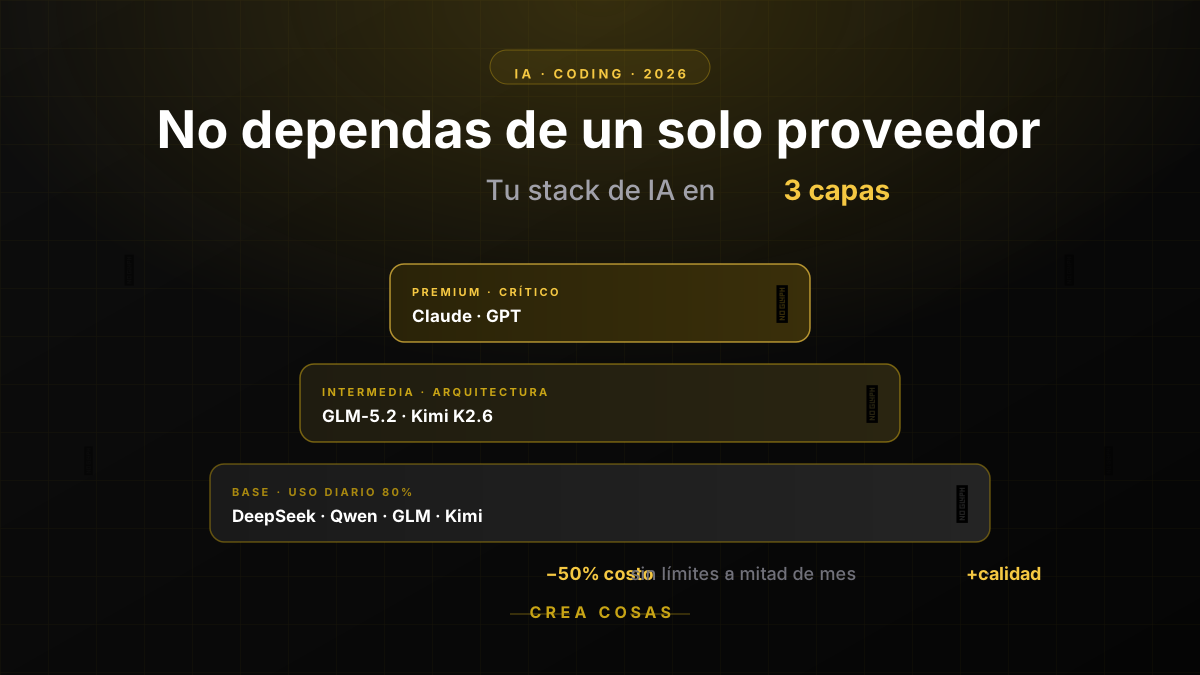
Why in 2026 You Should No Longer Rely on a Single AI Provider for Coding
If you run out of AI quota mid-month, the problem isn't your discipline: it's putting all your eggs in one basket. Learn how to diversify across DeepSeek, Qwen, GLM, Kimi, Claude and GPT to code cheaper and without interruptions.
OpenCode vs Claude Code: Price, Models and Limits in 2026
OpenCode vs Claude Code in 2026: OpenCode Go from 10 USD versus Claude Pro from 20 USD, which models each one uses, how their limits work and when to pick which.
OpenCode Go Billing: Quota, Invoices, and How to Cancel
What OpenCode Go actually confirms: $10 a month from the first charge, Go Plus at $40, and a cap per model. The rest you read in your own console.
Partnerships
Tools I use every day, on better terms for this community.