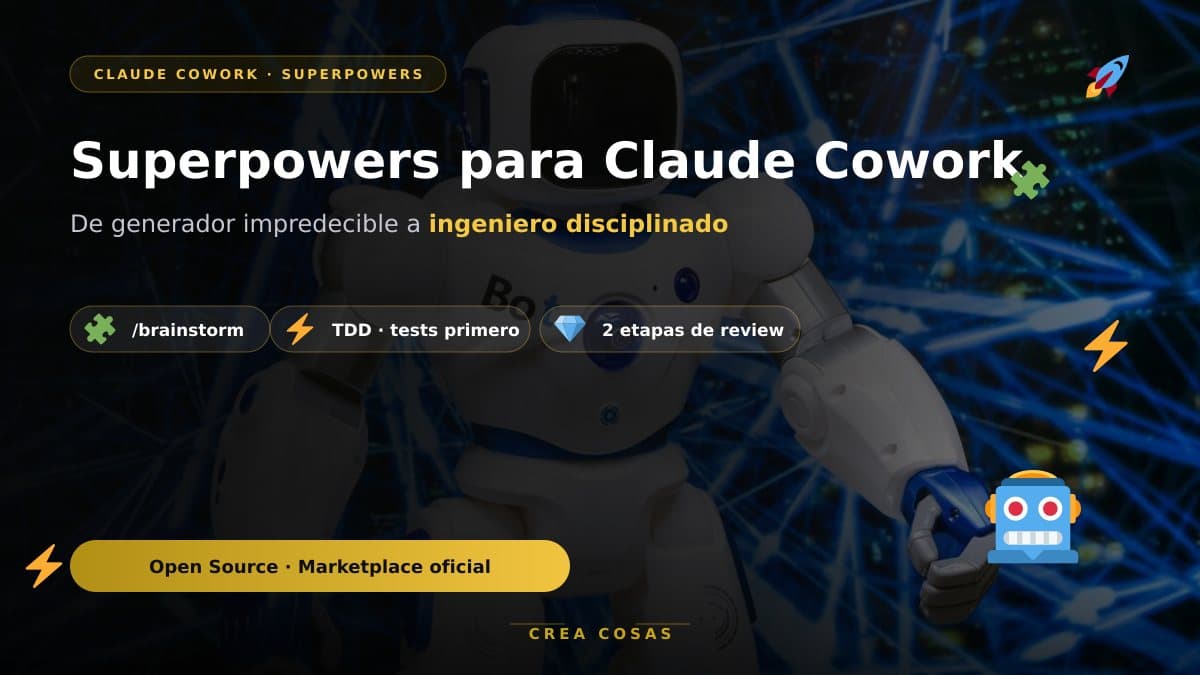
How to Install and Master the Superpowers Skill in Claude Cowork
Published on:
Reading time: 4 min
Topic: Technology
Author: Leandro Valencia
Learn how to install Superpowers in Claude Cowork from the official Claude marketplace or from GitHub. Discover the AI skills framework that applies TDD and systematic development so your agent plans, tests, and reviews its own code.
Table of Contents
- What Superpowers is and why it changes the game
- The workflow: what happens when you use Superpowers
- Pro tips to get the most out of it
- Conclusion
- Useful links
What Superpowers is and why it changes the game
Superpowers isn't just a saved prompt. It's a complete software development methodology and a skills framework designed specifically for coding agents.
Its philosophy rests on three pillars:
- Test-driven development (TDD): write the tests first, always.
- Systematic over improvised: clear processes instead of guessing.
- Evidence over claims: verify before declaring that something is "done."
When you install Superpowers, Claude stops being a simple assistant that answers fast. It becomes a disciplined engineer that plans before coding, writes tests first, and reviews its own work in two stages before handing you the final result. Best of all: all of this runs automatically in the background.
How to install Superpowers in Claude Cowork
Claude Cowork is Anthropic's desktop agent built for multi-step tasks and collaborative work. You have two paths to install it:
Option A: from the Official Claude Marketplace (recommended)
It's the fastest, safest, and easiest path to keep updated.
- Open your terminal or the Claude Cowork chat interface.
- Install the plugin directly from the official marketplace:
/plugin install superpowers
Or, if you want access to the complementary plugins in the Superpowers ecosystem:
/plugin marketplace add obra/superpowers-marketplace
/plugin install superpowers@superpowers-marketplace
You can also browse the marketplace by visiting the Official Claude Marketplace or by looking for verified plugins directly from your Claude client.
Option B: from the official GitHub repository
If you'd rather have the code locally or follow the development branch:
- Open your terminal.
- Clone the repository:
git clone https://github.com/obra/superpowers.git ~/.claude/plugins/superpowers
- Restart your Claude Cowork session.
The workflow: what happens when you use Superpowers
Once installed, your AI agent has its "superpowers." The flow splits into 7 automatic phases:
- Brainstorming (
/brainstorm): refines your idea with questions and validation. - Git worktrees: an isolated workspace on a fresh branch.
- Planning (
/write-plan): breaks the work into 2-5 minute tasks. - Subagents (
/execute-plan): delegation with built-in review. - TDD: the red-green-refactor cycle.
- Code review: review against the original plan.
- Finish: merge, PR, or discard with cleanup.
Pro tips to get the most out of it
- Don't skip the brainstorming. Always use
/brainstorm [your idea]. - Let the subagents work. Trust the automatic delegation.
- Combine it with MCP. Connect databases, documentation, or design tools.
Frequently asked questions
Is Superpowers paid?
No. It's an open source project (obra/superpowers) that installs for free from the official marketplace or from GitHub. You can review the code before using it.
Does it only work with Claude Cowork?
Superpowers is built for agents that use Anthropic's skills and plugins format. This guide focuses on Claude Cowork, but the same skill can be installed on other Claude clients that support the marketplace.
Does it force me to write tests first?
It doesn't force you, but that's its biggest advantage. Test-driven development makes the AI review its own work and end up with fewer bugs and more maintainable code. On big projects, that difference really shows.
Conclusion
Installing Superpowers in Claude Cowork is the 5-minute productivity upgrade that will have the biggest impact on your workflow. It turns the AI from an "unpredictable code generator" into a methodical, testable, reliable teammate.
Have you tried it yet? Tell me in the comments on creacosas.com.
Now go create amazing things, with structure and without fear of breaking anything!
Useful links
Related Posts
Keep exploring similar content that may interest you
10 open source AI repos that are changing how we code
A deep dive into 10 open source AI repositories: model gateways, agent environments, automatic diagrams, and Rust-based document conversion.

How to Install Superpowers in Claude Code Step by Step
Install Superpowers in Claude Code via the official marketplace or GitHub: how to verify it is active and fix the common errors that actually appear.

Your Website Isn't Ready for AI Agents (Here's How to Check in 30 Seconds)
AI agents are already real visitors to your website, and most sites ignore them. Learn how to scan your domain with isitagentready.com, turn the report into an actionable improvement spec with a ready-to-copy prompt, and execute it without breaking anything using Superpowers' brainstorming workflow.
Partnerships
Tools I use every day, on better terms for this community.