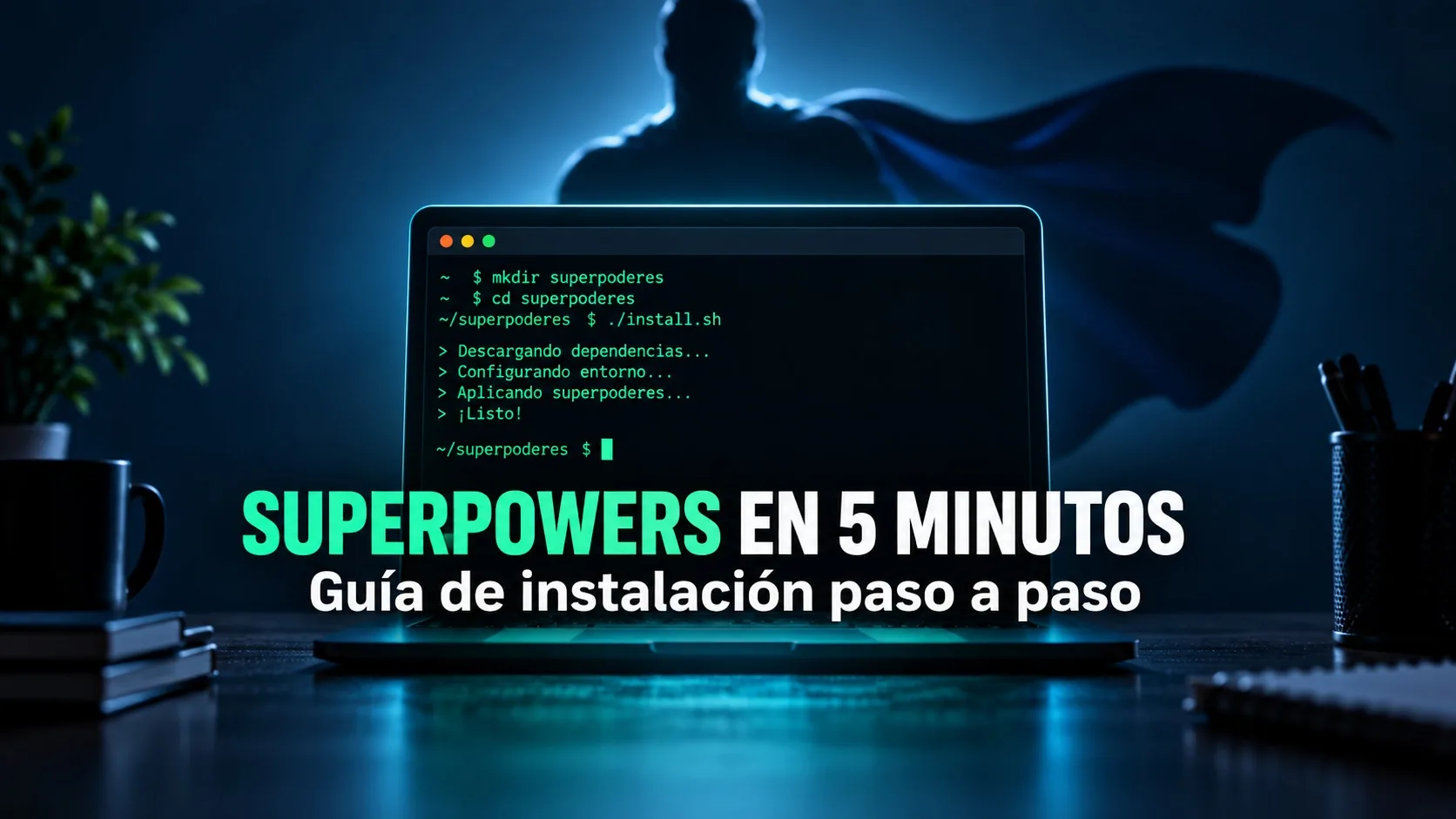
How to Install Superpowers in Claude Code (2026)
Published on:
Reading time: 5 min
Topic: Technology
Author: Leandro Valencia
Install Superpowers in Claude Code via the official marketplace or GitHub: how to verify it is active and fix the common errors that actually appear.
Table of Contents
- What you'll get done in the next 5 minutes
- Prerequisites
- Option A: install from the official marketplace (recommended)
- Option B: install from GitHub
- How to verify it installed
- Quick first use
Installing Superpowers in Claude Code takes less than five minutes: one command from the official marketplace and a session restart, done. This guide is only the install — command by command, with both possible routes and troubleshooting for the errors that actually show up. If you also want to understand what Superpowers is, why it changes how the agent works, and how to use it once it's installed, that content is in the full Superpowers review.
If you are just starting, read the Claude Code guide first.
What you'll get done in the next 5 minutes
When you finish this guide you'll have Superpowers (obra/superpowers) installed and active in your Claude Code or Claude Cowork client, you'll be able to confirm it installed correctly without guessing, and you'll run your first command (/brainstorm) to check that the plugin responds.
Prerequisites
Before you start, confirm this:
- Have Claude Code or Claude Cowork installed and signed in.
- Access to a terminal (for the GitHub option) or to the chat interface with plugin command support (
/plugin) for the marketplace option. - If you're going to use the GitHub option, have
gitinstalled on your machine. - No extra paid account: Superpowers is an open source project and installs for free either way.
Option A: install from the official marketplace (recommended)
This is the fastest route and the easiest to keep updated, because you don't depend on running git pull by hand.
Step 1. Open the Claude Code or Claude Cowork chat interface.
Step 2. Run the direct install command:
/plugin install superpowers
With that, you already have the base plugin installed.
Step 3 (optional). If you also want the complementary plugins from the Superpowers ecosystem, add the third-party marketplace first and then install from there:
/plugin marketplace add obra/superpowers-marketplace
/plugin install superpowers@superpowers-marketplace
This second step is not required to get Superpowers working; you only need it if you want extra skills that don't come in the base package.
Option B: install from GitHub
Use this if you prefer to have the code on your machine, follow the development branch, or review the repository before you trust it.
Step 1. Open your terminal.
Step 2. Clone the repository directly into Claude's plugins folder:
git clone https://github.com/obra/superpowers.git ~/.claude/plugins/superpowers
Step 3. Restart your Claude Cowork or Claude Code session so it detects the new plugin. This restart is the step most people skip, which is why they later think the install failed.
How to verify it installed
Don't assume it worked just because the command didn't show an error. Verify with either of these two methods:
- List the active plugins. Depending on your client, the command to list installed plugins should show
superpowersin the list. If it doesn't appear, the install didn't fully apply. - Try a skill command. Run
/brainstormfollowed by a short idea, for example/brainstorm agregar autenticación a mi API. If Superpowers is active, the agent answers with exploration questions instead of jumping straight into writing code.
If the /brainstorm command responds normally, the install succeeded.
Troubleshooting: common install errors
"Command not found" when running /plugin install superpowers
This usually means your Claude Code or Claude Cowork version doesn't have plugin support enabled or is out of date. Update the client to the latest version and try again.
The plugin doesn't appear after installing from GitHub
Almost always it's the missing step: restart the session. Cloning the repository isn't enough; the client loads plugins at startup, not as a hot reload. Close the session completely and open it again.
Permission error when cloning into ~/.claude/plugins/
Check that the ~/.claude/plugins/ folder exists and that your user has write permissions on it. If it doesn't exist, create it by hand before cloning (mkdir -p ~/.claude/plugins).
"Marketplace not found" when installing complementary plugins
This error shows up when you jump straight to /plugin install superpowers@superpowers-marketplace without adding the marketplace first. Order matters: first /plugin marketplace add obra/superpowers-marketplace, and only then the install.
Quick first use
With Superpowers installed, try this minimal flow to confirm everything is wired up:
/brainstorm mejorar el onboarding de mi app
The agent should come back with questions to understand the scope before proposing a solution, instead of writing code right away. That behavior change — asking and planning before executing — is the signal that Superpowers is running, not just installed.
Frequently asked questions
Do I need to pay anything to install Superpowers?
No. It's an open source project (obra/superpowers) and both install routes — official marketplace and GitHub — are free.
Which option should I use, marketplace or GitHub?
The official marketplace, unless you have a concrete reason to use GitHub, such as wanting to review the code before installing it or following a specific development branch. The marketplace updates on its own; the GitHub clone does not.
Why did I install the plugin and nothing happens?
Most likely you still need to restart the client session. If you already restarted and it still doesn't show up, confirm with the plugin list that the install completed.
Does this guide work for Claude Cowork and Claude Code?
Yes. The install commands are the same because both use Anthropic's plugin system. If you want to understand the full framework behind Superpowers — the why, not just how to install it — read the full Superpowers review.
Related Posts
Keep exploring similar content that may interest you

Your Website Isn't Ready for AI Agents (Here's How to Check in 30 Seconds)
AI agents are already real visitors to your website, and most sites ignore them. Learn how to scan your domain with isitagentready.com, turn the report into an actionable improvement spec with a ready-to-copy prompt, and execute it without breaking anything using Superpowers' brainstorming workflow.
How to Install and Master the Superpowers Skill in Claude Cowork
Learn how to install Superpowers in Claude Cowork from the official Claude marketplace or from GitHub. Discover the AI skills framework that applies TDD and systematic development so your agent plans, tests, and reviews its own code.

Manus vs Claude Code vs OpenCode: Pricing and Which to Pick (2026)
Manus works in the cloud; Claude Code and OpenCode work on your machine. We compare pricing, how each one bills, key features and which fits your profile.
Partnerships
Tools I use every day, on better terms for this community.