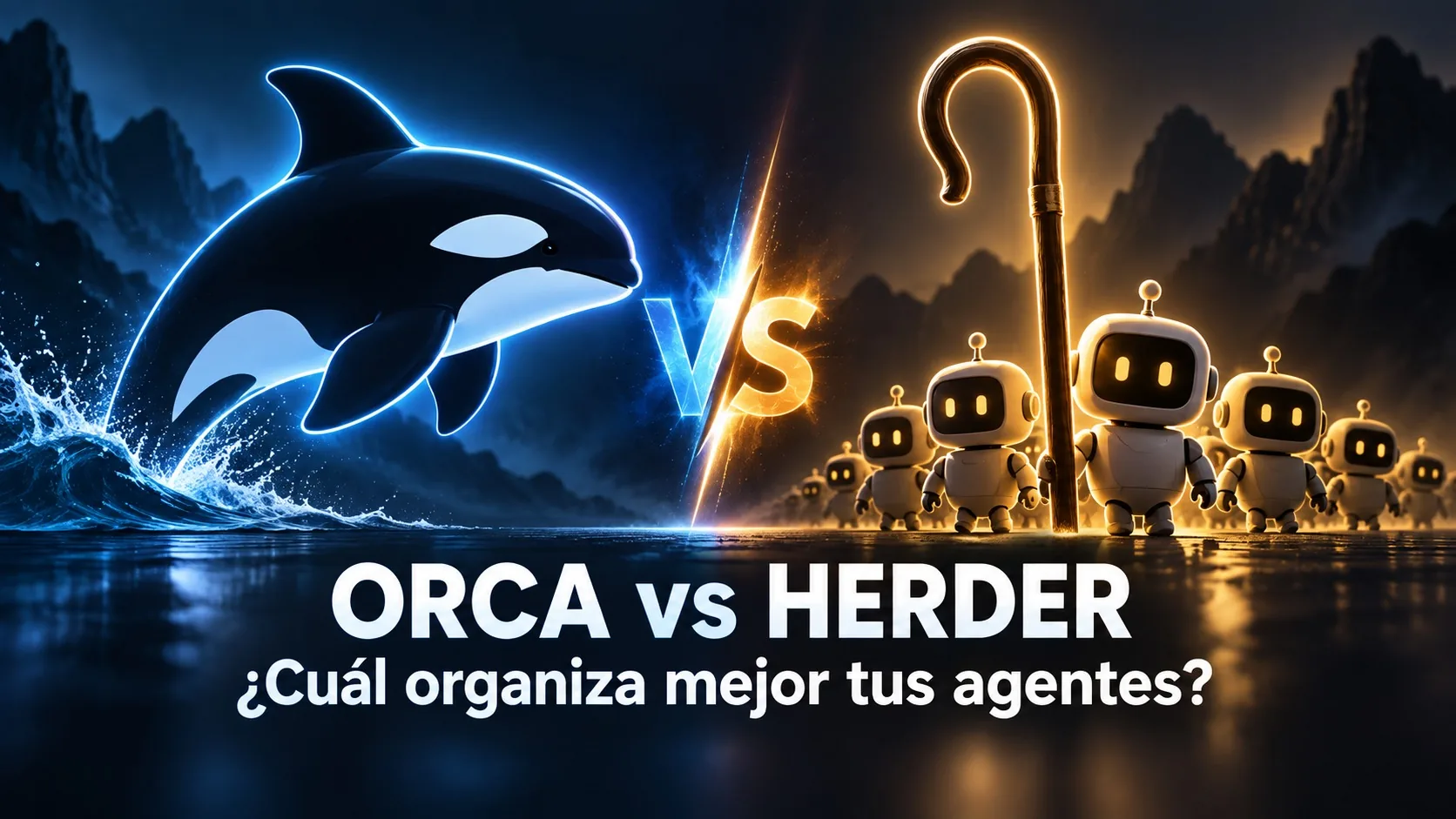
Orca vs Herder: Which AI Agent Orchestrator to Choose
Published on:
Reading time: 9 min
Topic: Technology
Author: Leandro Valencia
Orca vs Agent Herder compared: mobile app vs terminal, requirements, pricing, and when each one makes sense for supervising several AI agents at once.
Table of Contents
- The problem they solve: too many agents, one pair of eyes
- What is Orca
- What is Agent Herder
- Orca vs Herder: comparison table
- When Orca makes sense
- When Agent Herder makes sense
- What to verify before adopting either one
- Conclusion
- Frequently asked questions
Once you already have two, three, or ten AI agents running tasks in parallel, the problem is no longer "which model do I use" and becomes "how do I know what they are doing without staying glued to the screen all day." That is exactly the gap Orca and Agent Herder try to close: two tools specialized in supervision and orchestration that we already mentioned in passing in why the harness matters more than the model. Here we go into detail: what each one does, what real requirements they have, how much they cost, and which one makes sense for your situation.
The problem they solve: too many agents, one pair of eyes
When you work with one agent at a time, the chat is enough supervision: you see what it does, you approve or correct, you continue. That model breaks as soon as you launch work in parallel. One agent refactors a module, another writes tests, a third investigates a bug, and a fourth waits for your approval to make an irreversible change. Without a dedicated supervision layer, the developer ends up alt-tabbing between terminals, losing track of which agent is blocked and which one already finished.
Orca and Agent Herder attack that problem from different angles: one builds a full development environment around the idea of an "agent fleet"; the other assumes you already live in the terminal and adds the minimum coordination layer so those agents can talk to each other.
What is Orca
Orca describes itself as an ADE (agent development environment): an alternative to the traditional IDE designed from scratch to run several coding agents in parallel, each in its own isolated git worktree, so two agents do not step on the same files.
Its main pieces:
- Parallel worktrees per task, with a GPU-rendered terminal and splits to see several agents at once.
- Built-in Chromium browser with a design mode for inspecting UI generated by the agents themselves.
- GitHub and Linear integration to manage PRs and issues without leaving the app.
- Its own orchestration layer: a "Run" acts as a namespace with a coordinator inbox, where tasks ("dispatches") are handed out, workers report when they finish, and there are "decision gates" that block a task until a human (or the coordinator) answers a question.
- Multi-agent compatibility: it is not tied to a single assistant; it supports Claude Code, Codex, Gemini, Cursor, and other third-party agents.
- Companion mobile app for iOS and Android, in beta, that works as a remote control for the desktop: it reviews the status of each worktree, answers pending prompts, makes commits, and receives push notifications when an agent finishes or gets blocked. You have to pair the phone with an active Orca desktop (on the local network, Tailscale, or its relay), and it does not replace the full editor.
Orca is free and open source under the MIT license. It does not charge for model usage: you connect your own subscriptions or API keys for each agent, and Orca only orchestrates. It is available for macOS, Windows, and Linux on desktop, which makes it operating-system agnostic.
What is Agent Herder
"Agent Herder" in 2026 is no longer a single package, but a small ecosystem. The original package, @generativereality/herd, is marked as deprecated on npm in favor of its successor, @generativereality/agentherder — worth knowing if your starting point is the link to the old package, because installing it today redirects you to the active version.
The tool (the binary that actually orchestrates) describes itself as "a session manager for AI coding tools: terminal tabs as the interface, no tmux." The core idea: instead of learning a terminal multiplexer’s shortcuts, you use named tabs for each Claude Code session, and Claude itself can manage its fleet of sibling sessions — open them, read their output, send them prompts, fork a conversation to explore an alternative — without you switching tabs by hand.
Key points about the requirements, which are worth checking before you install:
- It depends on Wave Terminal as the host terminal; it does not work on just any terminal.
- It requires macOS and accessibility permissions for Wave. There is no Windows or Linux version at the time of writing.
- It needs Node.js 20+.
- It is installed via
npm install -g @generativereality/agentherder, as a plugin from the Claude Code marketplace, or as a standalone skill.
Separate from the package, agentherder.com works as a community and training program around the practice of coordinating agent fleets: it includes a free self-study curriculum, a multi-week bootcamp with coaching, and a paid certification exam. That educational layer is distinct from the tool itself and targets teams that want to standardize how they work with multiple sessions, not just install a CLI.
There is no mobile app and no graphical interface: everything happens in terminal tabs.
Orca vs Herder: comparison table
| Criterion | Orca | Agent Herder (agentherder) |
|---|---|---|
| Product type | Full ADE (development environment) | Session manager for the terminal |
| Interface | Desktop app with GPU terminal, browser, and mobile app | Tabs inside Wave Terminal |
| Operating systems | macOS, Windows, Linux | macOS only |
| Mobile supervision | Yes, iOS/Android app in beta | No |
| Work isolation | Automatic git worktrees per task | Depends on how you organize the sessions yourself |
| Compatible agents | Claude Code, Codex, Gemini, Cursor, and more | Designed mainly for Claude Code |
| Self-orchestration | Coordinator with tasks, dispatches, and decision gates | Claude itself manages sibling sessions via CLI/skill |
| Native integrations | GitHub, Linear | No native project-management integrations |
| Tool cost | Free, open source (MIT) | Free, open source; the agentherder.com certification is paid separately |
| Learning curve | Medium: you have to learn the app and its orchestration model | Low if you already use Wave Terminal; zero compatibility if you do not |
When Orca makes sense
Orca makes sense when you need to see the status of your agents without sitting in front of the computer, when you work on Windows or Linux, or when you want a single app that also handles the browser, version control, and issue management. It is the most complete option for someone building an "agent fleet" workflow from scratch and who values remote supervision: if an agent sits waiting for a decision while you are on the subway, the push notification and the ability to reply from the phone justify the install on their own.
It is also the more reasonable option if you work with several different agents — not only Claude Code — because its multi-agent compatibility keeps you from being locked to one vendor.
When Agent Herder makes sense
Agent Herder makes sense in a more specific scenario: a solo developer (or a small team) that already lives on macOS, already uses Wave Terminal or is willing to adopt it, and works almost exclusively with Claude Code. If your real flow is "launch three or four Claude Code sessions that coordinate with each other to split a large task," the named-tabs model is lighter than standing up a full ADE: you do not have to learn worktrees, a built-in browser, or coordinator concepts — just tabs that Claude itself opens and reads.
It is the option to avoid if you work on Windows or Linux (it is not available), if you need to supervise from a phone, or if your fleet includes agents from different vendors besides Claude Code.
What to verify before adopting either one
Both tools move fast, and it is worth checking their current state before you commit a workflow to them:
- Orca’s mobile app is in beta; do not treat it as a replacement for the desktop editor, it is a remote control.
- The original Agent Herder package (
@generativereality/herd) is deprecated; install@generativereality/agentherderdirectly so you do not land on an unmaintained version. - Agent Herder’s dependence on Wave Terminal and macOS is a real platform limitation, not a minor detail: if your team uses Linux in CI or WSL on Windows, this tool simply does not apply today.
- Neither one charges for itself, but both assume you already pay separately for the subscriptions or API keys of the agents they orchestrate.
Conclusion
There is no universal winner because they do not solve the same problem with the same scope. Orca is the bet for anyone who wants a full multi-agent development environment, cross-platform, and supervisable from a phone. Agent Herder is the minimalist bet for anyone who already lives in the macOS terminal with Wave and only needs Claude Code sessions to talk to each other without memorizing tmux commands. The question that actually decides it is not which tool is "better," but how far you are willing to take your harness: if you already built your flow around an editor and several AI vendors, Orca fits that system; if your flow is already 100% terminal and 100% Claude Code, Agent Herder weighs less.
Frequently asked questions
Are Orca and Agent Herder direct competitors? Only partly. Both solve supervision of multiple agents, but Orca is a full development environment with a mobile app and cross-platform support, while Agent Herder is a thin layer on top of Wave Terminal, limited to macOS and designed almost exclusively for Claude Code.
Are they free? Yes, both are open source and do not charge for orchestration. You still need your own subscriptions or API keys for the agents you run through them. The site agentherder.com does offer a paid bootcamp and certification, but that is a training program separate from the npm package.
Can I use Agent Herder on Windows or Linux? Not at the time of writing. It depends on Wave Terminal on macOS, with accessibility permissions and Node.js 20 or higher. If your team works on another operating system, Orca is the viable option.
Does Orca replace my code editor? It replaces the traditional IDE as the main working layer if you adopt its parallel worktrees model, but the mobile app is explicitly not a full editor: it is there to monitor and unblock agents from the phone, not to write code on it.
Which one should I pick if I work alone and on a tight budget? If you already use Claude Code almost exclusively and you are on macOS, try Agent Herder first: the learning curve is smaller. If you need to move between agents from different vendors or supervise from a phone, the time spent setting up Orca pays for itself.
Related Posts
Keep exploring similar content that may interest you
Herder AI (Agent Herder): Run a Fleet of Claude Code Agents
Herder AI (Agent Herder) turns terminal tabs into a fleet of Claude Code agents you can supervise. What it does, real requirements, and why it is macOS-only.
What Is Orca? The ADE for Running AI Agents in Parallel
What Orca is: the agent development environment that runs several AI agents in isolated worktrees. Decision gates, mobile app, and how it differs from an IDE.
2026 AI Tier List: Why the Harness Matters More Than the Model
An editorial comparison of Cursor, Claude Code, Antigravity, OpenCode, Hermes, VS Code, Orca, and Herder: why in 2026 your competitive edge comes from the AI harness, not just the model.
Partnerships
Tools I use every day, on better terms for this community.