How to Buy TikTok Coins Cheaper (and Why the App Overcharges You)
Published on:
Reading time: 6 min
Topic: Technology
Author: Creacosas
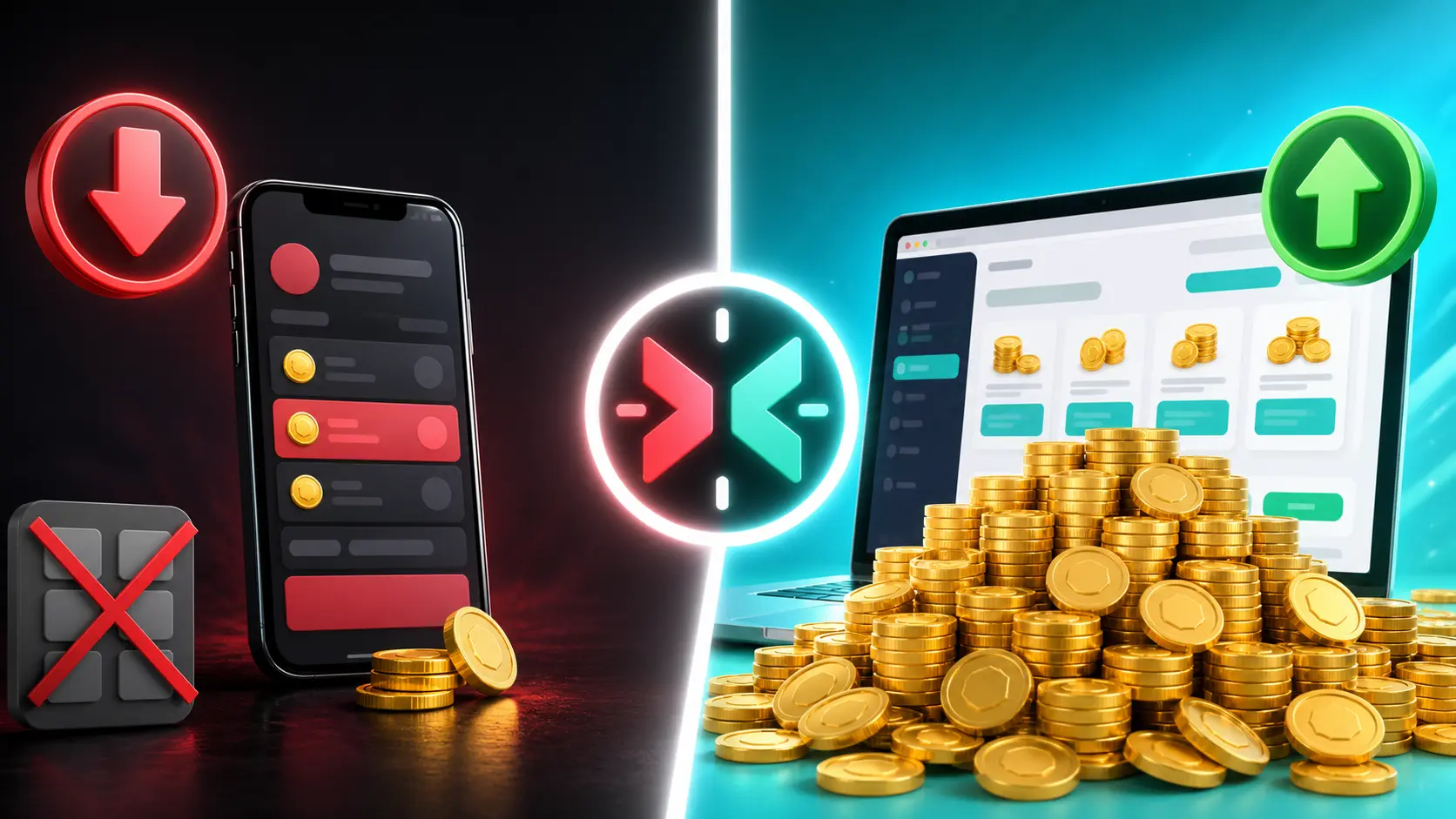
If you buy TikTok coins from the app on your iPhone, you're paying up to 30% extra without realizing it. Here's why it happens and how to recharge from the web to save money on every purchase.
Table of Contents
- The famous 30% Apple cut (and Google's too)
- So where's the difference?
- The extra: recharge with an invite link
- Step by step: how to recharge from the web in 2 minutes
- Three security rules you shouldn't skip
- In summary
If you've ever sent a gift in a live, bought coins to support a creator, or simply tapped "Recharge" inside , there's something probably nobody told you: you're paying more for the exact same coins.
It's not your mistake. It's how the system works. And the good news is that fixing it takes literally two minutes.
Let me explain it the way I'd explain it to a friend.
The famous 30% Apple cut (and Google's too)
When you buy something inside an app on your iPhone —TikTok coins, game gems, a subscription, whatever— that purchase doesn't go straight from your card to the company. It goes through Apple's cash register.
And Apple charges for letting you through. Its standard commission on in-app purchases has historically been 30%, with a reduced rate (around 15%) for small developers or long-term subscriptions. Google Play has a very similar scheme on Android.
Now, the million-dollar question: who pays that commission?
In theory, the company does. In practice, the company builds it into the price. Meaning: you pay it. TikTok doesn't absorb that 30%; it simply raises the price of coins inside the app so the math still works out.
It's exactly the same as movie theater popcorn. It's not that the corn is expensive. It's the toll.
So where's the difference?
Here's the interesting part: TikTok's website doesn't go through Apple or Google.
When you recharge from tiktok.com/coin in your browser, the payment goes straight through. No middleman, no store commission, no toll. And TikTok passes that saving on to the price.
TikTok itself promotes that recharging from its website is up to 25% cheaper than doing it inside the app. Several independent analyses put the real difference between 25% and 30%, depending on the country, the local currency, and the package you choose.
To see it in round numbers:
| Where you recharge | What you pay | What you get |
|---|---|---|
| App (iOS/Android) | $10 USD | ~660 coins |
| Web (tiktok.com/coin) | $10 USD | ~25% more coins for the same money |
Heads up: exact prices change depending on your country and the currency you're charged in. What doesn't change is the logic: the web will always give you more than the app.
If you recharge $20 a month, you're leaving between $60 and $70 a year on the table. If you're a creator moving volume, the math gets ugly fast.
The extra: recharge with an invite link
TikTok also has a recharge referral program. It works like this: when you go to recharge using someone else's invite link, both of you can receive bonus coins or an extra discount on the recharge.
It's a TikTok promotion, not a weird trick or a third-party app. You go in, recharge as usual, and the bonus applies itself.
Here's my link so you can take advantage of it:
👉 Recharge TikTok coins with bonus
My code, in case you need to type it in by hand: 2NT2TW55
You can also check the recharge referral program page directly to review the current terms in your country.
The bonus amount varies by country, active campaign, and whether it's your first web recharge. TikTok adjusts it from time to time, so check before completing the purchase.
Step by step: how to recharge from the web in 2 minutes
- Open the browser on your phone or computer. Not the app: the browser (Chrome, Safari, whatever you use).
- Go to tiktok.com/coin using the link above so the bonus applies.
- Sign in with your TikTok account. It's the same account as always.
- Verify that the username shown is yours. This is the most important step, and the one most people skip.
- Choose the coin package. Compare: you'll see it goes further than in the app.
- Pay with card, PayPal, or another method available in your country.
- Go back to the app. The coins are already there, in the same balance as always.
And that's it. Same balance, same gifts, same lives. You just paid less.
Three security rules you shouldn't skip
With anything involving money, there are also people phishing. Keep these three in mind:
1. Official domain only. It must say tiktok.com. Not tiktok-coins.net, not tiktokrecarga.shop, nothing like it. If the domain isn't exactly that, close the tab.
2. TikTok never asks for your password outside its own login. No "free coins" page needs your credentials. If they ask, it's phishing. Period.
3. Distrust "free" coins or 80% discounts. Coin generators don't exist. What does exist is account theft. The only real, legitimate discount is this one: buying on the web instead of in the app.
Frequently asked questions
Do coins bought on the web show up in the app?
Yes. It's the same balance, same account, same gifts. You recharge from the browser and when you return to the app the coins are already available.
Is recharging from the web safe?
Yes, as long as you use the official domain tiktok.com. The payment is processed directly with TikTok, no intermediaries. Avoid any "cheap coins" site that isn't the official domain.
Do I need a credit card?
Not necessarily. On the web you can pay with card, PayPal, or other methods available in your country, just like in the app.
Can you combine the web price with the referral bonus?
Yes. The savings from recharging on the web and the invite-link bonus stack: you pay the web price and the bonus gets added on top.
In summary
- The app charges you more because Apple and Google take up to 30% of every in-app purchase, and that cost ends up in your pocket.
- The web doesn't go through that cash register, so the same coins cost you 25% to 30% less.
- Using an invite link can add bonus coins on top of the savings.
- It's the same TikTok, the same account, and the same balance. Only where you pay changes.
Two minutes of paperwork, savings you notice every month. No fine print.
👉 Recharge now at tiktok.com/coin · Code: 2NT2TW55
Know someone still recharging from the app? Send them this post. They'll thank you when they see the difference.
— Creacosas
Step-by-step guide
Open the browser, not the app
Chrome, Safari, or whichever you use. Recharging inside the app is what overcharges you.
Use the invite link
tiktok.com/coin with the referral code, so the bonus applies.
Log in to TikTok
The same account as always. The app balance and the web balance are the same.
Confirm the account is yours
Check the on-screen name before paying. This is the step most people skip.
Pick a package and pay
Compare the value against the app. Card, PayPal, or another local method.
Check your balance in the app
Go back to TikTok. The coins are already in your usual balance.
Related Posts
Keep exploring similar content that may interest you

Claude Code: 2026 Guide to Getting Started, Installing and Using It
What Claude Code is, how to install it on macOS, Linux and Windows, which plan you need, which model to use and how to extend it with skills, plugins and MCP.
Claude Code Pricing 2026: Pro vs Max and Real Usage Limits
How much Claude Code costs in 2026: Pro at 20 USD, Max at 100 or 200 USD, Team and API. How the 5-hour and weekly limits work, and which plan you should pick.

OpenCode vs Claude Code: Price, Models and Limits in 2026
OpenCode vs Claude Code in 2026: OpenCode Go from 10 USD versus Claude Pro from 20 USD, which models each one uses, how their limits work and when to pick which.
Partnerships
Tools I use every day, on better terms for this community.