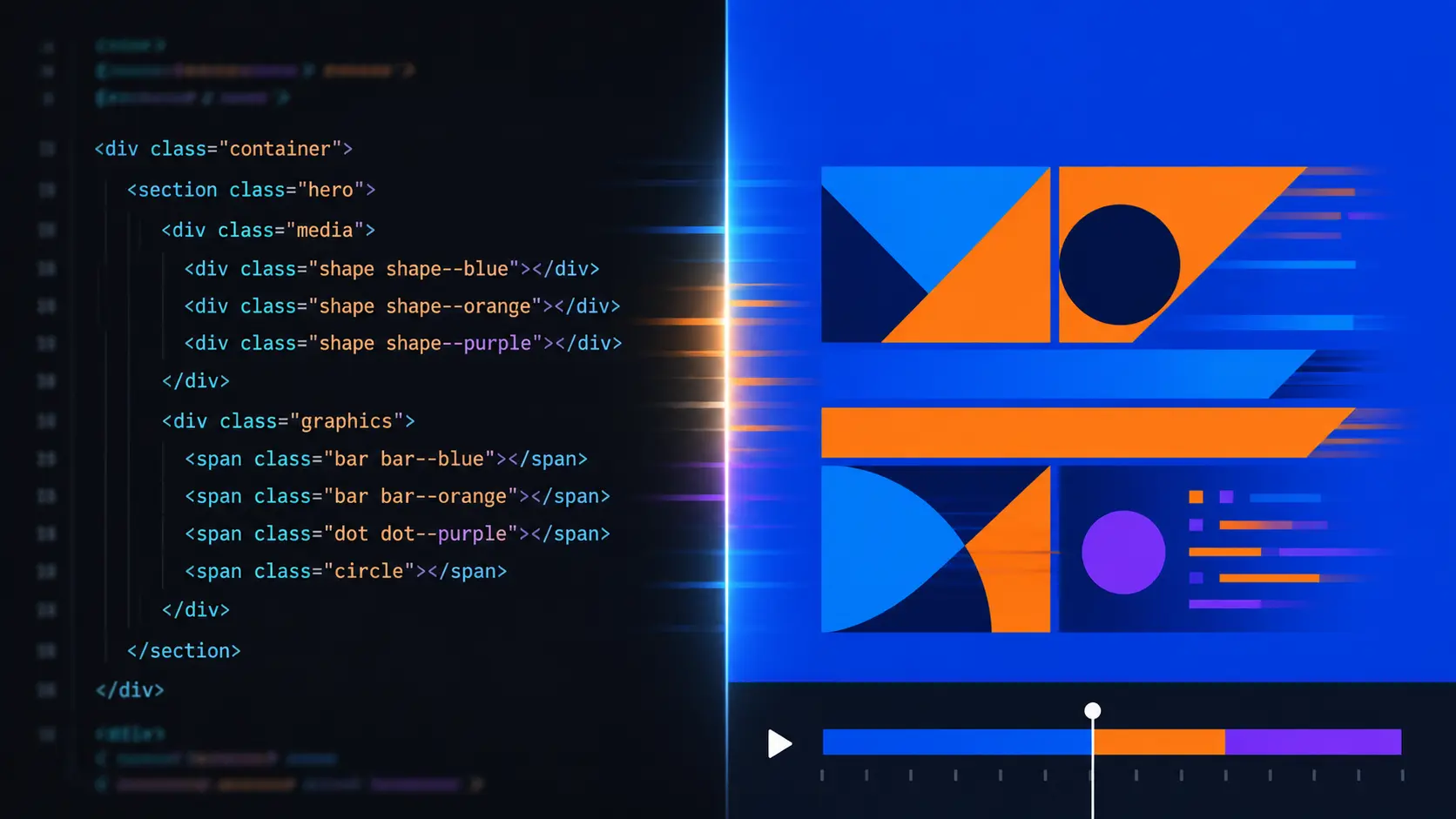
HyperFrames: video and motion graphics with HTML
Published on:
Reading time: 11 min
Topic: Technology
Author: Leandro Valencia
HyperFrames is an open source framework by HeyGen that turns HTML, CSS and animations into an MP4. Learn how to write a web page and render it as video, who really benefits from this democratization of motion graphics, and where its limits are.
Table of Contents
- What HyperFrames is, in one sentence
- The part that actually matters: democratization isn't automatic
- How it works, in concrete terms
- Installation
- The real path for non-programmers: the skills
- What it's really for (and what it isn't)
- Tips for content creators
- Tips for editors
- The uncomfortable conclusion
- Resources
By Leandro · Diario para Emprendedores
For twenty years, making a text slide onto the screen with a decent animation cost two things: an expensive license and several months of learning curve. After Effects was —and still is— the serious tool. But it was also a guarded door: if you didn't know about layers, masks, expressions and precompositions, your idea stayed in your head or ended up in a Canva template that looked exactly like the ones five thousand other people used.
That door is starting to open. And HyperFrames is one of the clearest examples of why.
What HyperFrames is, in one sentence
It's an open source framework by HeyGen that turns HTML, CSS and animations into an MP4 file. Its slogan summarizes it better than any explanation: "Write HTML. Render video. Built for agents."
You write a web page. You add a few attributes that tell the system when each element starts and how long it lasts. You run a command. A video comes out.
What matters isn't the technical novelty —Remotion has been doing something similar with React for years. What matters is who it opens the door for. HTML and CSS are the most taught languages on the planet. And even more relevant: they're the languages that AI agents write better than any other.
The part that actually matters: democratization isn't automatic
I want to stop here, because it's the trap we fall into every time a tool like this appears.
That a technology is accessible doesn't mean it makes us free. It means it gives us the possibility of being free. The difference is whether we learn to use that knowledge or we keep consuming the output the tool produces by default.
Think about a well-known example. When phone cameras got good, not everyone became a photographer. Most people started taking more mediocre photos, faster. The ones who actually became photographers were those who used the cheap access to the shutter to learn composition, light and timing — the things the camera would never hand them.
With agent-generated motion graphics in particular it's exactly the same. HyperFrames removes the software obstacle. It doesn't remove the work of knowing what you want to tell, how long a shot should last, when a text is too much text, and why a three-second transition kills the retention of a fifteen-second ad.
The tool serves the execution. The judgment is still yours, and it's still what's scarce.
How it works, in concrete terms
A HyperFrames composition is an HTML file. Nothing else. It opens in the browser and you see it. Here's an example taken from the official documentation:
<div id="stage" data-composition-id="launch" data-start="0" data-width="1920" data-height="1080">
  <video class="clip" data-start="0" data-duration="6" data-track-index="0"
         src="intro.mp4" muted playsinline></video>

  <h1 id="title" class="clip" data-start="1" data-duration="4" data-track-index="1">
    Launch day
  </h1>

  <audio data-start="0" data-duration="6" data-track-index="2"
         data-volume="0.5" src="music.wav"></audio>

  <script src="https://cdn.jsdelivr.net/npm/gsap@3/dist/gsap.min.js"></script>
  <script>
    const tl = gsap.timeline({ paused: true });
    tl.from("#title", { opacity: 0, y: 40, duration: 0.8 }, 1);
    window.__timelines = window.__timelines || {};
    window.__timelines.launch = tl;
  </script>
</div>
If you come from video editing, read it again and you'll recognize everything. data-track-index are your timeline tracks, data-start is where the clip starts, data-duration is how it lasts. It's a timeline written in plain text instead of dragged with the mouse.
The engine opens that HTML in a headless Chrome, advances frame by frame, and passes it to FFmpeg to build the MP4. Because each frame is generated by seeking an exact position in time — not by real-time playback — the result is deterministic. The same file always produces exactly the same video. That's what makes it possible to script renders without surprises.
Installation
First, two requirements: Node.js 22 or higher and FFmpeg. If you don't have them, install them first — Node from nodejs.org and FFmpeg from ffmpeg.org or your system's package manager (brew install ffmpeg on Mac, winget install ffmpeg on Windows).
With that in place, the whole flow is four commands:
# 1. Create a new project
npx hyperframes init my-video
cd my-video

# 2. See the result in the browser, with live reload
npx hyperframes preview

# 3. Export to MP4
npx hyperframes render
You don't need to install anything globally: npx downloads and runs it on the fly. If something fails at startup, npx hyperframes doctor checks the environment and tells you what's missing.
To install the skills that teach your AI agent to use the framework — the recommended path if you don't want to write HTML by hand:
npx skills add heygen-com/hyperframes --full-depth
An empty selector opens with nothing pre-selected; the Core Skills group is all you need, because the /hyperframes router installs each workflow when you ask for it. Don't skip --full-depth: without that flag you get a stale version of the registry that can be hours outdated.
And to keep the installation up to date later:
npx hyperframes skills update
Finally, to add ready-made blocks from the catalog to an existing project:
npx hyperframes add flash-through-white   # shader transition
npx hyperframes add instagram-follow      # social overlay
npx hyperframes add data-chart            # animated chart
The real path for non-programmers: the skills
Here's the point that makes this interesting for content creators, and not just for developers.
HyperFrames publishes twenty skills — instruction packages — that teach an AI agent (Claude Code, Cursor, Codex, Gemini CLI) how to produce video with the framework. You already installed them in the previous step, so from here on your interaction isn't writing HTML: it's describing the video.
Using
/hyperframes, create a 10-second product intro with a title that fades in, a background video, and soft ambient music.
The agent plans the structure, writes the HTML, wires up the animations, adds the audio, checks for errors and renders. You review and correct. It's exactly the working model of a director with an editor: you decide, someone else executes, and the final quality depends on how precise you are when asking and how good you are at judging the result.
It's worth knowing the skills by name, because they're basically a menu of formats:
/hyperframes— the router. Read it first, always; it identifies what kind of piece you want and calls the right workflow./product-launch-video— product or website promos, up to ~3 minutes (the sweet spot is 30-90 seconds)./faceless-explainer— explain a concept without camera or product, with visuals generated from scratch./motion-graphics— short pieces without narration, under 10 seconds: kinetic typography, an animated stat, a logo sting, a lower-third. Exports to MP4 or transparent overlay./embedded-captions— designed captions on top of an existing camera video./talking-head-recut— package an interview or podcast with lower-thirds, data callouts, pull-quotes and PiP./music-to-video— video synchronized to the beat of an audio track./slideshow— navigable presentations with reveals and navigation, not rendered video./general-video— everything else: long-form, multi-scene pieces, sizzle reels.
And there's one skill that's probably the most useful of all for a creator: /media-use. It handles the search for background music, sound effects, images, icons, logos and voices, downloads them to local files and keeps a record of what you used where. It's the boring part of production, automated.
What it's really for (and what it isn't)
Where HyperFrames shines:
Ads at volume. If you have to ship the same piece in 9:16, 1:1 and 16:9, with three different copy angles and two offers, this is a category change. The composition is a text file: you change variables and render twenty versions. No manual editor competes with that.
Recurrent, data-driven content. The weekly metrics summary, the monthly ranking video, the animated infographic that updates itself. If the format is fixed and only the numbers change, you automate once and it runs on its own.
Support assets. Lower-thirds, transitions, animated counters, tickers, transparent overlays to drop into your usual editor. It doesn't replace your editing; it feeds it.
Social media with designed captions. Captions that look good, not the ones the platform's algorithm generates.
Where it's not worth forcing it:
- Author-driven pieces where the value is a unique, non-repeatable visual treatment.
- Character animation, rigging, anything that needs serious 3D.
- Projects where iteration is exploratory and seeing the result instantly matters more than reproducibility.
The license is Apache 2.0, with no per-render fee or commercial thresholds. That matters: you can use it for client work without a second thought.
Tips for content creators
Write the duration first. The number one mistake when asking an agent for video is not fixing the times. "A short intro" produces anything. "8 seconds: 0-2 logo, 2-6 title, 6-8 CTA" produces what you wanted. Think in seconds, not descriptions.
One message per scene, no exceptions. The HTML lets you fit six animated elements on one screen. Don't do it. The constraint that the effort of animating used to impose on you, you now have to impose on yourself.
Design without audio first. A big part of your audience will watch the piece on mute. If the video doesn't communicate muted, it doesn't work. Music is reinforcement, not support.
Save your frame.md. HyperFrames uses a design system file — colors, typography, scales, rules — that the agent reads before composing. Write it once with your brand identity and all your pieces will come out consistent without you asking every time. It's the difference between having a brand and having loose videos.
Build a library, not scattered pieces. Keep every composition that works as a template. In three months you'll have your own catalog and your production time will plummet. That's where this gets truly profitable.
Never publish the first render. Seriously. Watch it three times: once for timing, once for legibility, once on your phone. The agent has no judgment; you do.
Tips for editors
Start with the assets, not the whole project. The softest way in is to use HyperFrames to turn out alpha-channel overlays and drop them into Premiere, Resolve or Final Cut. You get speed without changing your workflow.
Learn just three attributes. data-start, data-duration, data-track-index. With those you can already read and fix any composition an agent hands you. You don't need to know how to program; you need to know how to edit a timeline, which you already do.
Treat versions like versions. The project is plain text, so Git works. You can see exactly what changed between cut 1 and cut 2, line by line, and go back without fear. That's something your video editor doesn't give you.
Determinism is your safety net. A project file always produces the same video. If something goes wrong on delivery, you can reproduce the exact problem. Goodbye to "it looked fine on my machine".
Lean on the catalog before building from scratch. There are ready-made blocks for transitions, animated charts, social overlays and captions, all installable with npx hyperframes add. Start there and modify; don't start with a blank page.
The uncomfortable conclusion
HyperFrames doesn't turn you into a motion designer. It removes your excuse for not being one.
And that distinction is the whole story of technological democratization. WordPress didn't make writers; it let anyone publish, and those who already had something to say found an audience. DAWs didn't make musicians; they opened the studio, and whoever had an ear ended up releasing records from their bedroom.
Tools like this push the cost of trying down to practically zero. What's left on the other side — judgment, taste, knowing what to tell and when to shut up — doesn't download with npx. It still costs the same as always: time, attention and the discipline to look at your own work honestly.
Freedom doesn't come with the tool. It comes from learning to use it.
Resources
- Repository: github.com/heygen-com/hyperframes
- Documentation: hyperframes.heygen.com/introduction
- Playground to experiment without installing anything: hyperframes.dev
- Showcase of finished pieces you can remix: hyperframes.heygen.com/showcase
- Design templates (
frame.md): hyperframes.dev/design
Related Posts
Keep exploring similar content that may interest you
10 open source AI repos that are changing how we code
A deep dive into 10 open source AI repositories: model gateways, agent environments, automatic diagrams, and Rust-based document conversion.

How to Install and Master the Superpowers Skill in Claude Cowork
Learn how to install Superpowers in Claude Cowork from the official Claude marketplace or from GitHub. Discover the AI skills framework that applies TDD and systematic development so your agent plans, tests, and reviews its own code.

How to Install Superpowers in Claude Code Step by Step
Install Superpowers in Claude Code via the official marketplace or GitHub: how to verify it is active and fix the common errors that actually appear.
Partnerships
Tools I use every day, on better terms for this community.