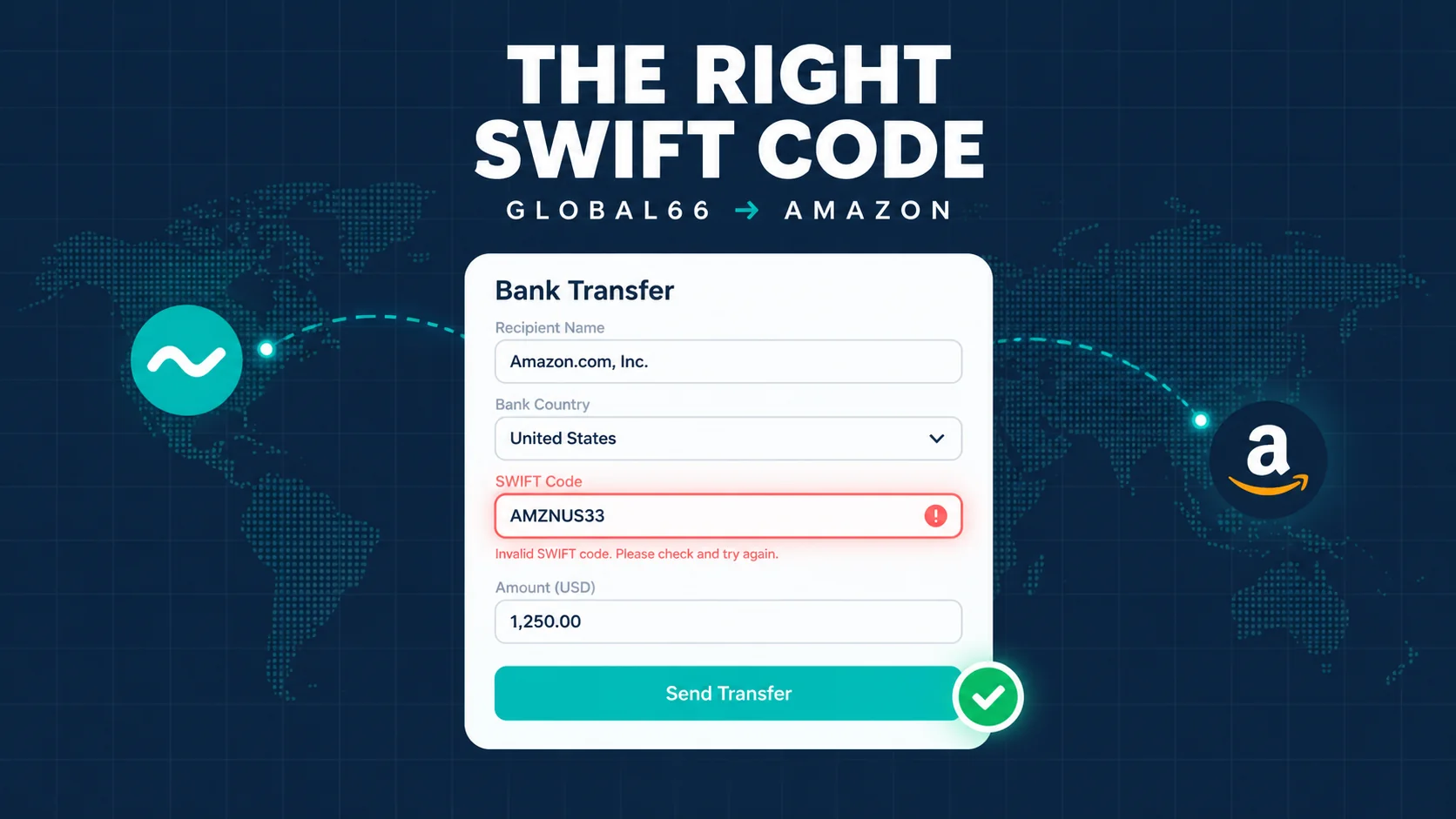
Global66 BIC/SWIFT Code for Amazon: Which One Is Correct
Published on:
Reading time: 8 min
Topic: Management
Author: Leandro Valencia
Amazon keeps rejecting the BIC of your Global66 euro account. Here's which code to use, why the address doesn't match, and how to pass the validation.
Table of Contents
- The short answer
- Why two different addresses appear
- Why Amazon asks for 11 characters
- Step by step in Amazon Seller Central
- The four mistakes that block validation
- If Amazon rejects it anyway
Frequently asked questions
- Why does my IBAN say "The Currency Cloud Limited" and not "Global66"?
- Is it safe to receive Amazon payouts into a Global66 account?
- Can I use TCCLGB3L if TCCLGB22 doesn't work?
- What do the XXX at the end of the BIC mean?
- Does Amazon charge me a fee for deposits in euros?
- How long does the first deposit take to arrive?
- To wrap up
You're one field away from finishing your bank account registration in Seller Central. Your euro IBAN is right there in front of you. But the form asks for a BIC/SWIFT code, and when you look it up online, three different codes appear, with two different addresses — none of which matches what the app shows you.
This is the exact point where many people give up and leave European payouts for "next week". There's no need to. The problem isn't you, and it isn't Global66: you're looking at two registrations of the same entity, and nobody explained which one is which.
The short answer
If your Global66 euro account shows the address 1 Sheldon Square, London, the code that corresponds to that registration is TCCLGB22. If Amazon requires 11 characters, enter TCCLGB22XXX.
Now the part that matters more than the code itself: verify it in your app before saving it. Further down I explain why that check is not an optional formality.
Why two different addresses appear
Global66's euro account isn't operated by Global66 directly. Behind it is The Currency Cloud Limited, a British payments institution (today part of Visa) that provides IBAN infrastructure to dozens of fintechs around the world. That's why the technical holder of your IBAN doesn't say "Global66": it says Currency Cloud. That's normal and not a sign of anything strange.
Currency Cloud has more than one active registration on the SWIFT network, each linked to an address:
| BIC code | Registered address | 11-character format |
|---|---|---|
TCCLGB22 |
1 Sheldon Square, London | TCCLGB22XXX |
TCCLGB3L |
The Steward Building, 12 Steward Street, London | TCCLGB3LXXX |
Both are 8-character codes, and under the SWIFT standard an 8-character code always identifies the head office, not a branch. This matters because a widespread idea circulates on forums that one of the two is "an internal branch that can't be used to receive payments". That's not accurate. They are two valid registrations of the same entity, linked to different addresses.
What is true — and it's the practical reason for this article — is that the one that belongs in the form is the one that corresponds to the registration under which your IBAN was issued. If your app shows Sheldon Square, your registration is TCCLGB22. If at some point Global66 shows you Steward Street, then yours is TCCLGB3L. It's not a question of which one is "better": it's which one is yours.
Why Amazon asks for 11 characters
A BIC can be 8 or 11 characters long. The last three identify a specific branch. When the transfer is directed to the head office and not to a branch, the standard says to fill those three slots with XXX.
Many forms — Amazon included — validate against databases that always expect the 11 characters and return an error with 8. It's not a mistake on your part: it's a strict validator. Add XXX and move on.
Step by step in Amazon Seller Central
- Open Global66 and go to your euro account. Copy the full IBAN, the exact account holder name, and note the bank address the app shows you.
- Check which code matches that address using the table above. This is the step almost everyone skips.
- In Seller Central go to Settings → Account Information → Deposit Methods, and add a new bank account.
- Select EUR as the currency and United Kingdom or the country that matches your IBAN prefix (Currency Cloud IBANs don't always start with
GB; use the IBAN's actual country, not the institution's). - Paste the IBAN, never type it by hand. A single mistyped digit is the number one cause of rejection.
- Enter the BIC in 11-character format. If it accepts 8, even better; if it throws an error, add
XXX. - For the account holder, enter exactly the name shown in Global66. Letter by letter, no abbreviations, no changing capitalization, no adding "Ltd." if it doesn't say so there.
- Save and wait. Amazon usually validates within minutes, but it can take 2-3 days and sometimes makes a test deposit of a few cents.
The four mistakes that block validation
The name doesn't match. By far the most frequent reason for rejection. Amazon compares the declared holder with the receiving account, and "Juan Perez Garcia" vs "Juan Perez Garcia" with a different letter case or accent can already be enough to trigger it. If your Global66 account is in an individual's name and your Amazon account belongs to a company, rejection is practically guaranteed: that's not fixed with the BIC, it's fixed by matching the ownership.
The IBAN copied with spaces or line breaks. When you copy from the app, invisible spaces sometimes come along. Paste it into a notepad first, clean it up, then paste it into the form.
Choosing the wrong account country. The country must match the first two characters of the IBAN, not where Currency Cloud's headquarters happens to be.
Assuming the code instead of checking it. Infrastructure providers change registrations, banking partners and addresses more often than you'd imagine. What your app shows today overrides what any article says, including this one.
If Amazon rejects it anyway
Before trying random codes — the worst thing you can do, because it piles up failed attempts on your profile — do this, in order:
First, write to Global66 support and ask them, literally: "the BIC/SWIFT associated with my euro account, to register it as a payout method on Amazon". They can see your actual registration. That answer is the authoritative source; everything else is an approximation.
Second, if support confirms the code and Amazon keeps rejecting it, the problem is almost certainly in the ownership or the tax documentation, not in the code. Check that your identity information in Seller Central is verified and up to date.
Third, keep a screenshot of every attempt. If you end up opening a case with Amazon, having the history cuts the conversation in half.
Frequently asked questions
Why does my IBAN say "The Currency Cloud Limited" and not "Global66"?
Because Global66 uses Currency Cloud's infrastructure to issue euro accounts. It's the same setup many fintechs use, and it doesn't affect the ownership of your funds.
Is it safe to receive Amazon payouts into a Global66 account?
It's an account operated by a payment institution regulated in the United Kingdom. That said, keep in mind that a payment provider is not a bank and doesn't offer the same deposit guarantees. If you're going to move high volumes, look into the specific terms before concentrating all your cash flow there.
Can I use TCCLGB3L if TCCLGB22 doesn't work?
Don't use it as a blind plan B. If your registration is Sheldon Square, the matching code is TCCLGB22. Confirm it with Global66 before changing it.
What do the XXX at the end of the BIC mean?
That the destination is the head office, not a specific branch. It's standard padding, not invented data.
Does Amazon charge me a fee for deposits in euros?
If you sell on European marketplaces and charge in euros, you avoid Amazon's currency conversion, which is where a good part of the margin goes. That's precisely why it's worth fighting with this form.
How long does the first deposit take to arrive?
Amazon releases funds according to its usual payment cycle, normally every 14 days. The SEPA transfer itself is usually available within 1-2 business days.
To wrap up
This kind of friction — one form field, two registrations and zero explanation — is what separates those who get paid in euros from those who have spent six months saying they're going to internationalize. It's not hard. It's opaque, which is not the same thing.
Copy a clean IBAN, check the address in your app, use the code that matches it, and make sure the name matches letter by letter. With that, you're through.
This article is informational and does not constitute financial advice. BIC codes and institutions' registrations change: always confirm the data with your provider before using it.
Sources consulted: The Currency Cloud Limited — TCCLGB22 (theswiftcodes.com) · The Currency Cloud Limited — TCCLGB3L (theswiftcodes.com) · TCCLGB22XXX (Wise) · Global66 — IBAN accounts
— Leandro Valencia
Step-by-step guide
Copy the IBAN and bank address
Open Global66, copy the full IBAN and note the bank address shown in the app.
Verify the BIC for that address
Match the address with TCCLGB22 (Sheldon Square) or TCCLGB3L (Steward Street).
Add the bank account in Amazon
In Seller Central, go to Deposit Methods and add an EUR account.
Enter the 11-character BIC
Use the 8-character code plus 'XXX' if Amazon requires 11 characters.
Save and confirm the name matches
The holder must be identical, letter by letter, to your Global66 account.
Frequently asked questions
Why does my IBAN say 'The Currency Cloud Limited' and not 'Global66'?
Because Global66 uses Currency Cloud's infrastructure to issue euro accounts. It's the same setup many fintechs use, and it doesn't affect the ownership of your funds.
Is it safe to receive Amazon payouts into a Global66 account?
It's an account operated by a payment institution regulated in the United Kingdom. That said, a payment provider is not a bank and doesn't offer the same deposit guarantees. If you're going to move high volumes, look into the specific terms before concentrating all your cash flow there.
Can I use TCCLGB3L if TCCLGB22 doesn't work?
Don't use it as a blind plan B. If your registration is Sheldon Square, the matching code is TCCLGB22. Confirm it with Global66 before changing it.
What do the XXX at the end of the BIC mean?
That the destination is the head office, not a specific branch. It's standard padding, not invented data.
Does Amazon charge me a fee for deposits in euros?
If you sell on European marketplaces and charge in euros, you avoid Amazon's currency conversion, which is where a good part of the margin goes. That's precisely why it's worth fighting with this form.
How long does the first deposit take to arrive?
Amazon releases funds according to its usual payment cycle, normally every 14 days. The SEPA transfer itself is usually available within 1-2 business days.
Related Posts
Keep exploring similar content that may interest you
How to Open a Global66 Account and Get Paid from Abroad
Guide to opening your Global66 account, verifying your identity and receiving dollars or euros with a routing number or IBAN, from Latin America.

Cooling-off policy: a template to pause your project
A policy written in advance to pause an initiative, reassign the team, and decide whether it returns or dies. Template with triggers, deadlines, and rules.

Product evolution map in Miro: MVP, PMF and sunset
How to build a product evolution map in Miro: MVP, PMF, maturity and sunset stages, each with entry signals, plus how to keep it updated at every QBR.
Partnerships
Tools I use every day, on better terms for this community.